
Image to Drawing Video Converter 
Turn any JPG or PNG image into a smooth hand-drawn whiteboard video with customizable drawing speed and MP4 export.
 Sign in to access your Pro account and create drawing videos.
◉ Your drawing video preview
What Is an Image to Drawing Video Converter?
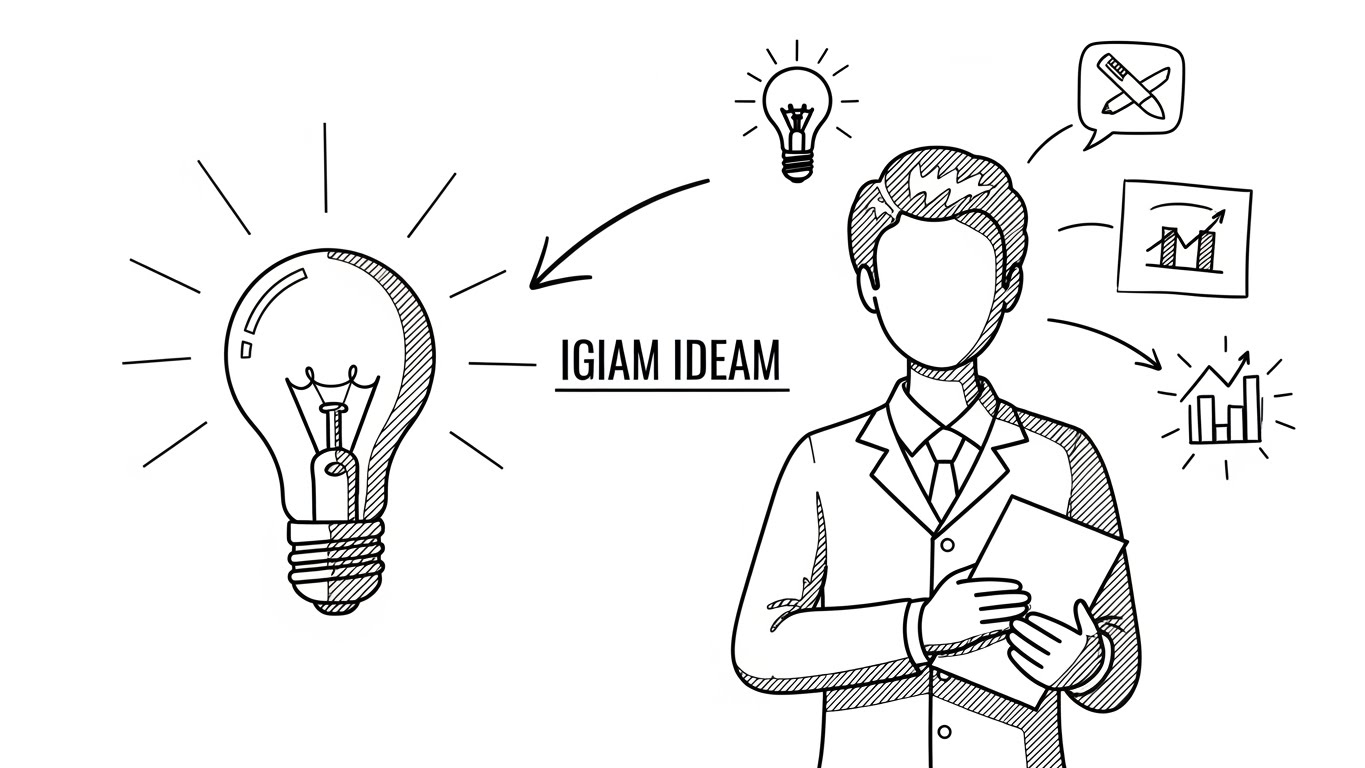
Image To Draw converts a static JPG or PNG image into a hand-drawn whiteboard animation video. Instead of displaying the complete picture immediately, the tool gradually reveals each part of the image while a realistic drawing hand moves across the screen.
Original image before conversion
Hand-drawn whiteboard video created from the image
How to Turn an Image into a Drawing Video
Upload a JPG or PNG image, choose your drawing style, set the drawing duration and final hold time, then click Create image drawing video. The tool processes your image and generates a browser-ready MP4 animation.
An image-to-drawing-video effect is ideal for YouTube explainers, educational videos, business presentations, product demonstrations, social media content, online lessons, storytelling videos, and whiteboard animations.
Best Images for a Clean Hand-Drawing Animation
Images with clear outlines, strong contrast, simple backgrounds, readable text, and separated objects usually produce the cleanest drawing effect. Diagrams, icons, sketches, notes, illustrations, and whiteboard graphics normally animate more naturally than crowded photographs.
pure white background, hand-drawn whiteboard video style, clean sketch lines, clear outlines, minimalist illustration, one unified scene, professional diagram spacing, separated objects with no connecting strokes, readable block lettering, clear printed labels, 16:9 ratio. the character stands calmly at the center, observing a clear path diagram that begins with a labeled box “SMALL INCOME” and rises step-by-step toward a larger box labeled “STEADY GROWTH”. simple diagram arrows connect each step. to the left, several background figures celebrate beside oversized dollar icons inside a cloud labeled “MAGICALLY AHEAD?”, with a clean printed “X” showing rejection. to the right, three large symbols appear: a jar labeled “NO EXTREME RISK”, a crossed-out rocket labeled “NO LUCK”, and a calm bar chart labeled “PROGRESS”. thin diagram arrows point from these icons toward the growth path. the character appears relieved, confident, and focused. all objects remain clearly separated with no background lines or decorative curves.
CLEAN IMAGE RULES - Use a pure white background) - Keep the illustration suitable for a hand-drawn whiteboard video.
❌ Curved background lines
❌ Decorative patterns
❌ Repeating textures
❌ Long lines connecting characters
❌ Random lines connecting objects
❌ Background shading
❌ White-to-gray gradients
❌ Decorative wavy background lines
For better results, simplify busy backgrounds, increase the contrast, remove unnecessary details, and use thicker outlines. These changes make the image easier to reveal and help the drawing-hand animation look smoother.
Upload your image at the top of this page to create a hand-drawn whiteboard animation and download the finished image drawing video as an MP4 file.
Frequently Asked Questions About Image Drawing Videos
What does an image to drawing video converter do?
It converts a static JPG or PNG image into an animated video that gradually reveals the image as though it is being drawn by hand. The final result is exported as an MP4 video.
Do I need an account to create a drawing video?
Yes. Sign in with your account and make sure your Pro access is active before submitting an image for video rendering.
Which image formats are supported?
JPG, JPEG, and PNG images are supported. Each uploaded image must be no larger than 2 MB.
Can I convert a photo into a hand-drawing video?
Yes. You can upload photos, diagrams, icons, illustrations, sketches, and other images. Simple images with clear edges and uncluttered backgrounds usually create the most natural drawing animation.
Does Image To Draw add a watermark?
No. The generated MP4 video is exported without an added Image To Draw watermark.
Can I upload multiple images in one render?
The current version processes one JPG or PNG image per render. You can create another video after the current render has finished.
Can I add voice-over or background audio?
Audio is not added inside the current image-to-drawing-video tool. You can add voice-over, music, or sound effects later with a standard video editor.
What drawing duration should I choose?
Around 8 seconds works well for many simple images. Use a longer duration for detailed illustrations and a shorter duration for simple icons, diagrams, or fast social media videos.
How long does it take to generate a drawing video?
Rendering time depends on image detail, video duration, server activity, and your position in the render queue. The page displays your progress and estimated waiting time.
Do I need to install software?
No. Image To Draw works online in your browser. Upload an image, adjust the timing, generate the video, and download the finished MP4.
Can I use the generated videos on YouTube?
Yes. The MP4 output can be used for YouTube videos, Shorts, TikTok, Instagram, online courses, presentations, advertisements, and standard video-editing projects.
Are my uploaded images and videos stored permanently?
No. Uploaded images and generated videos are stored temporarily for processing and are deleted automatically after a short period to help protect your privacy.
What type of background creates the best result?
A plain white or light background with strong dark outlines usually produces the cleanest whiteboard drawing animation. Avoid busy textures, shadows, gradients, and unnecessary decorative lines.
Which browsers support Image To Draw?
The tool is designed for current versions of Chrome, Edge, Firefox, Safari, and other modern desktop or mobile browsers.
Can I upload my own drawing hand image?
Yes. You can upload an optional JPG or PNG drawing-hand image, or leave the field empty to use the default hand.
 Continue with Google